Tag Scenarios
When managing many test scenarios, it's helpful to use tags so you can run specific tests from the command line rather than executing all tests. 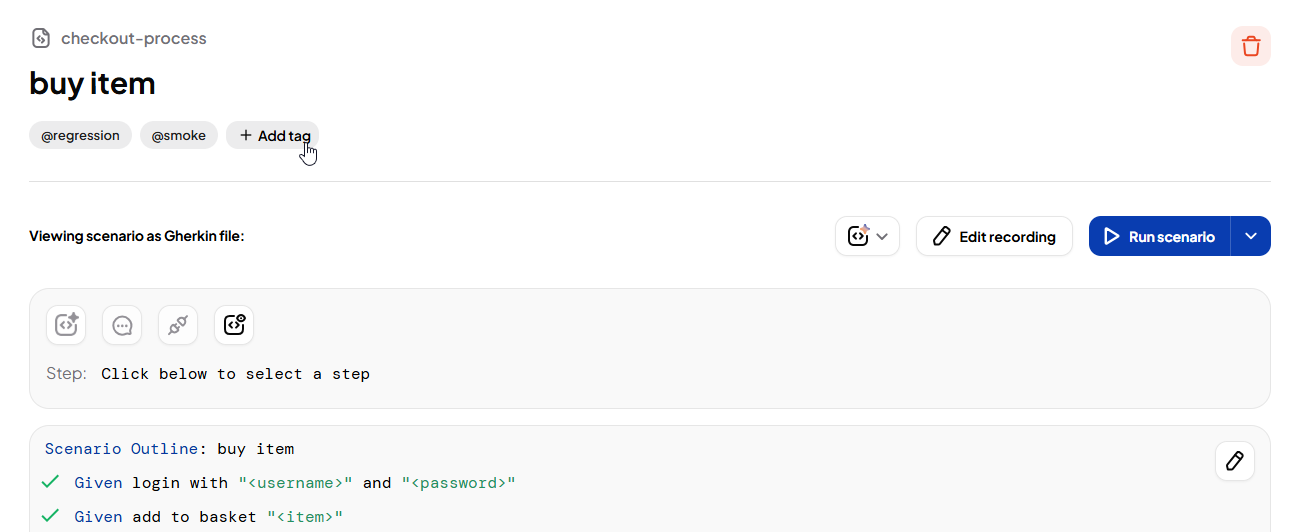
Example use cases:
- Tag all login tests with
@loginto run authentication-related tests only. - Tag all checkout flow tests with
@checkoutto focus on e-commerce checkout validations. - Tag tests for admin features with
@adminto isolate and run admin-specific functionality. - Tag API tests with
@apito execute only the API integration scenarios. - Tag performance tests with
@performanceto run load and stress tests in isolation. - Tag all feature flag tests with
@featureflagto focus on new feature releases and toggles. - Tag tests related to user profile settings with
@profilefor testing user-specific configurations. - Tag all localization tests with
@localizationto test language-specific functionality.
Add Tags
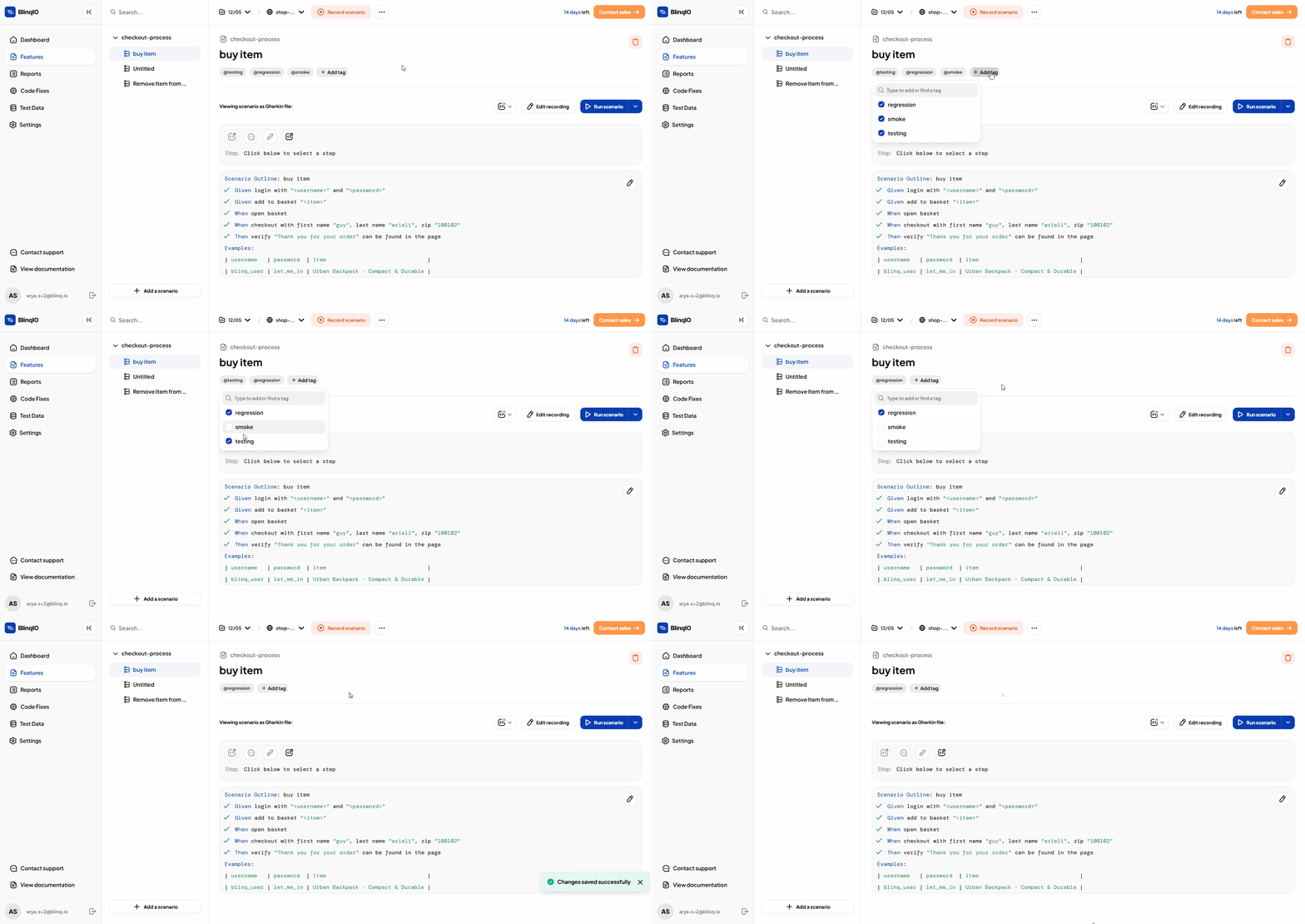
To add tags to a test scenario:
Navigate to the Features page and select the test scenario you want to tag.
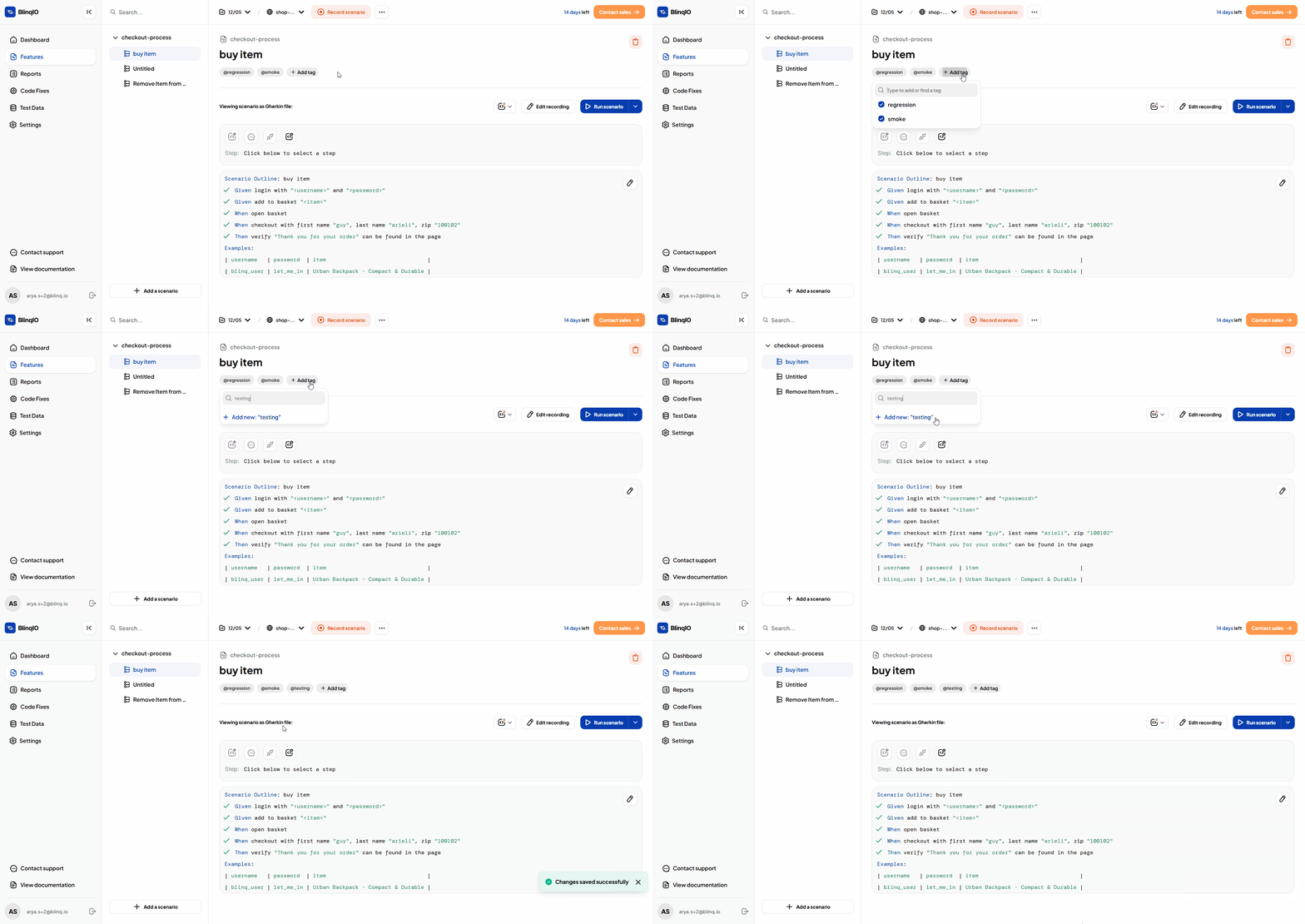
Click Add Tags, type the tag name, and click Add Tags again to save the changes.
Remove Tags
To remove tags:
Click Add Tags again to remove existing tags or add new ones.
Remove any tags you no longer need, or add new tags as required.