Root Cause Analysis
When a test fails, knowing that it failed is not enough. You need to know why it failed, which step broke, and whether the problem can be fixed without your involvement. Root Cause Analysis (RCA) answers all three questions by analyzing step-level error data, comparing against past successful runs, and using AI classification to pinpoint the exact cause.
How RCA Works
RCA runs automatically on any failed test execution and follows a structured sequence:
1. Detect the Failing Step
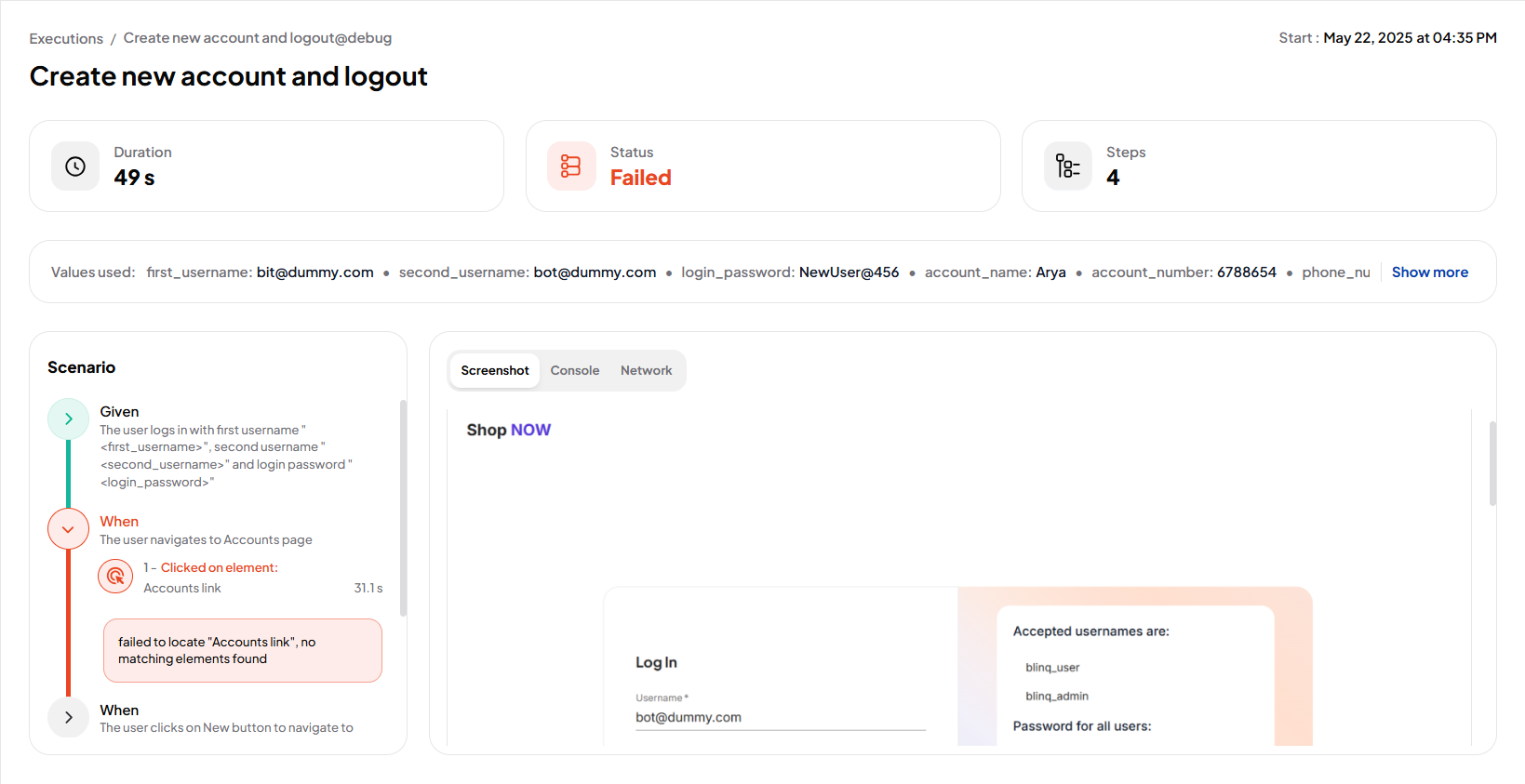
RCA captures the exact Cucumber.js step that failed, along with the error message and execution context.
2. Send Failure Data to the RCA Engine
The failed step, error message, locator metadata, logs, and network data are submitted to the RCA engine for analysis.
3. Categorize the Failure
Using AI classification, RCA assigns the failure to one of four categories (see Failure Categories below).
4. Attempt Step Regeneration
If the failure is recoverable, only the failed step is sent to the AI generator for regeneration. All steps before the failure remain unchanged.
5. Resume Test Execution
The test continues running from the regenerated step onward: no restart from the beginning.
6. Handle Repeated Failures
If the same step fails again after regeneration, RCA exits recovery mode and marks the run as irrecoverable.
Failure Categories
RCA classifies every failure into one of four categories:
App Locator Issue: the failure was caused by changes to element locators in the application. This is the only category that triggers automatic recovery.
App Data Issue: the application's state or test data caused the step to fail. Examples: missing records, unexpected field values, or changed content.
Server Issue: a backend error occurred. Examples: failed API responses, request timeouts, or server downtime.
Unknown: RCA could not confidently identify the root cause. These failures require manual investigation.
INFO
Only App Locator failures trigger automatic step regeneration. All other categories are reported but not auto-recovered.
Automated Recovery Logic
When RCA identifies a recoverable failure, it follows this logic:
- Regenerate only the failed step: to minimize side effects and conserve resources, only the broken step is regenerated.
- Preserve prior steps: all steps that executed successfully before the failure remain unchanged.
- Resume from the failure point: execution continues from the regenerated step, not from the beginning of the scenario.
- Stop after repeated failure: if the regenerated step fails again, RCA marks the run as irrecoverable and flags it for manual review.
Viewing RCA Results
RCA results are available on the Reports page for all failed runs executed with AI Recovery enabled.
Open the Reports page.
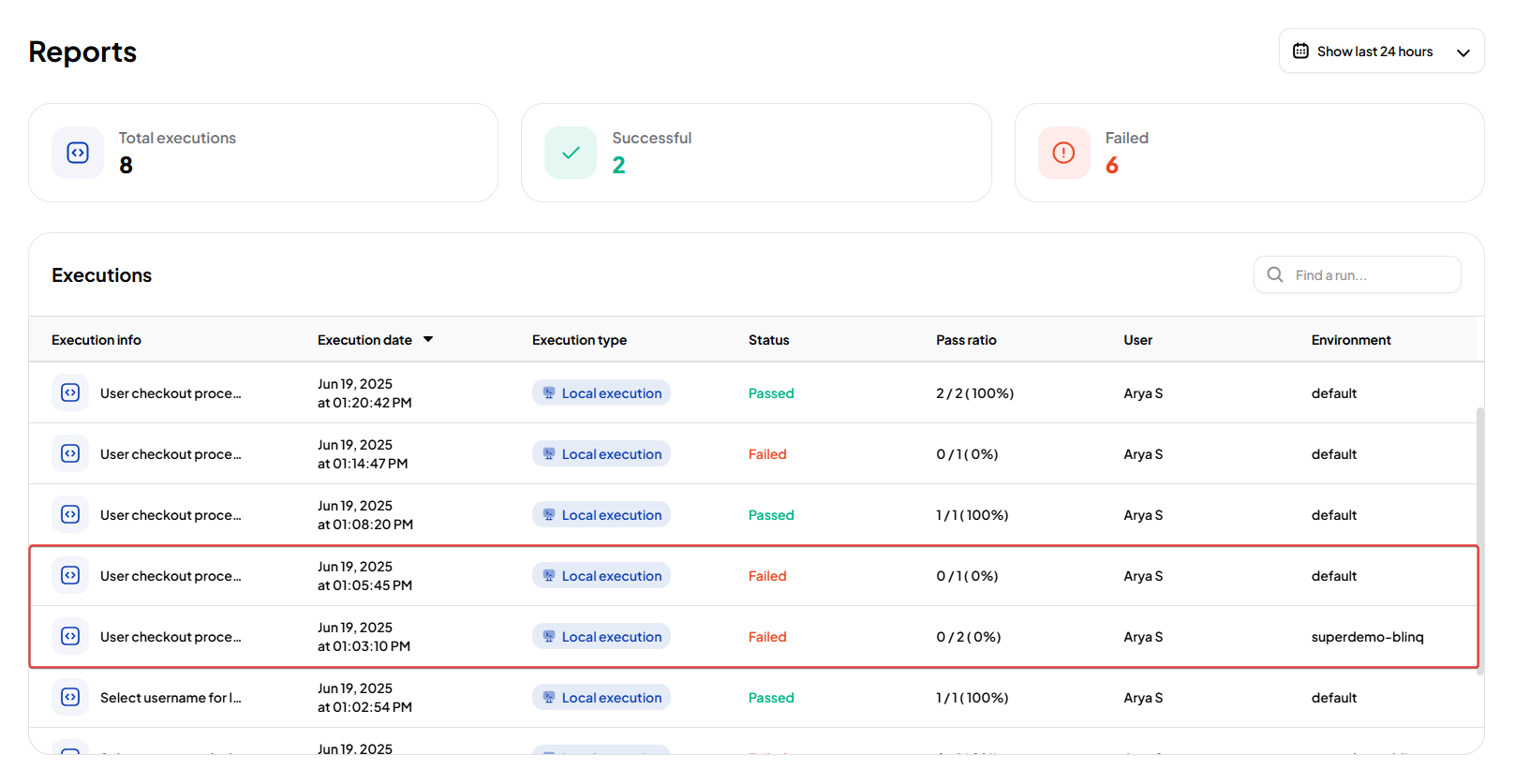
Select a failed test run. You will see:
- Root Cause: an explanation of why the failure occurred, based on the RCA classification.
- Retraining Reason: the specific trigger for recovery, such as a locator mismatch or timeout.
TIP
Hover over a retraining reason to view the full details.
Open the scenario details to see the specific step where the failure happened, along with supporting context such as DOM snapshots and logs.